
Top Video Editing Tips for Beginners in 2026: Complete Guide
Learn simple video editing tips for beginners in 2026. From planning to export, this complete guide helps you edit better videos with confidence.
Kasthuri| 28 Jan 2026
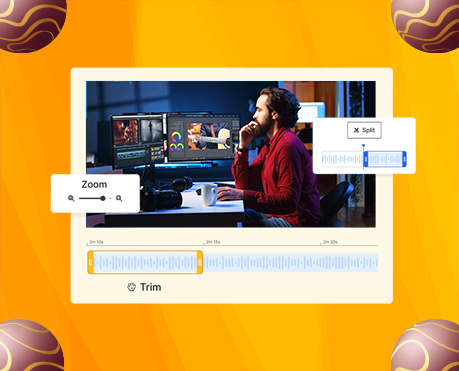
Video content continues to dominate digital platforms in 2026, making video editing skills more valuable than ever. From social media creators and YouTubers to marketers and educators, beginners are stepping into video editing to tell compelling stories, build brands, and engage audiences. We have created this complete beginner-friendly guide to video editing to help new editors master the essentials—from preparation and organization to pacing, transitions, sound, AI tools, and export settings.
This guide focuses on practical, proven video editing principles that help beginners avoid common mistakes and produce professional-looking videos consistently.
What to Consider Before You Start Editing Videos
Successful video editing starts long before opening your editing software. Planning early ensures smoother edits, fewer reshoots, and stronger storytelling.
Plan Your Edit Before You Shoot
We recommend outlining your vision in advance. Creating a shot list or simple storyboard helps ensure you capture every clip needed to bring your idea to life. Organized shooting saves hours during post-production.
Shoot Enough Footage for Flexible Editing
Professional editors rely on coverage, which means capturing more footage than required. Extra clips provide flexibility and creative freedom during editing.
Key coverage tips:
- Record multiple takes of every scene.
- Start recording a few seconds early and end late to allow clean cuts.
- Record each shot for at least 10 seconds, even static ones.
- Capture room tone at every location to fill audio gaps later.

11 Core Video Editing Principles Every Beginner Must Know
These foundational principles streamline workflow, improve storytelling, and help beginners edit with confidence.
1. Organize Your Footage Efficiently
A clean file structure is the backbone of efficient editing. We recommend:
- Creating folders for raw video, audio, music, and exports
- Naming files clearly and consistently
- Using markers and labels inside the editing timeline
Organized footage speeds up editing and reduces frustration.
2. Make a Clear Editing Plan
Even a simple plan improves results. Outline:
- Scene order
- Key visuals
- Dialogue or voiceover points
If narration is required, write a natural-sounding script, read it aloud, and refine it for clarity and flow.
3. Select Clips That Serve the Story
Not every clip belongs in the final edit. We trim footage to include only what supports the message. Strong editors make decisive cuts to maintain clarity and engagement.
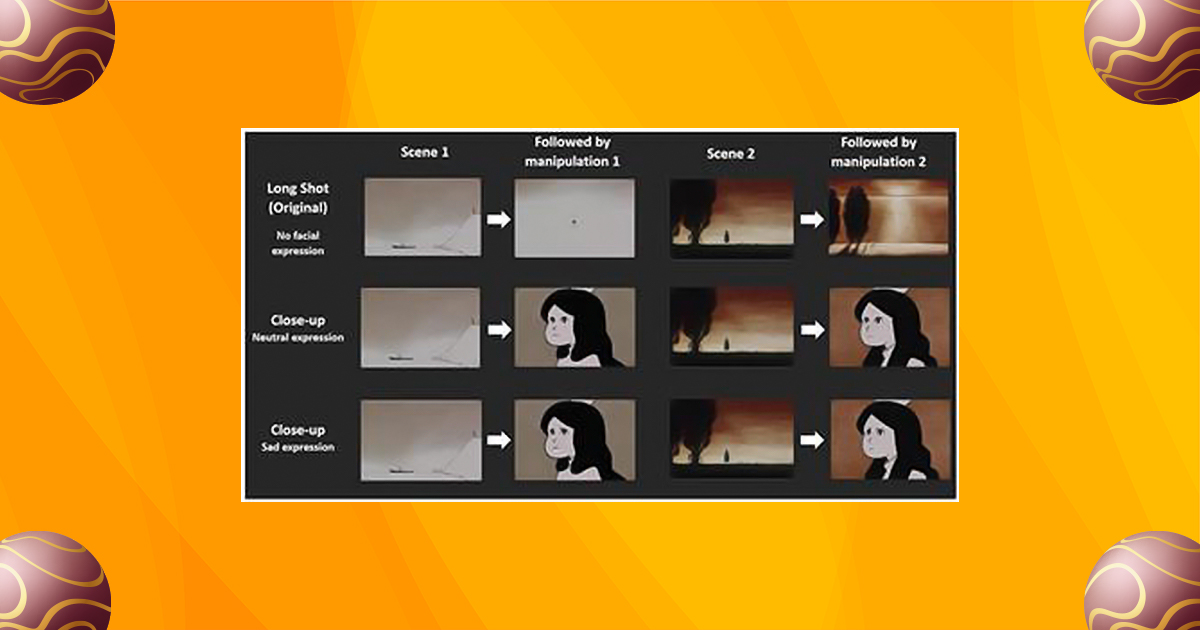
4. Use Establishing Shots for Context
Establishing shots help viewers understand where the action takes place. Wide shots provide context before moving into close-ups, creating immersion and visual balance.
5. Create Seamless Flow with Match Cuts
Match cuts enhance continuity by aligning visual elements between clips. Similar movements, framing, or shapes guide the viewer’s eye and make transitions feel invisible.

6. Use Simple Transitions for Professional Results
We recommend crossfade transitions only, avoiding flashy or smart transitions. Crossfades:
- Feel natural
- Maintain pacing
- Do not distract from the story
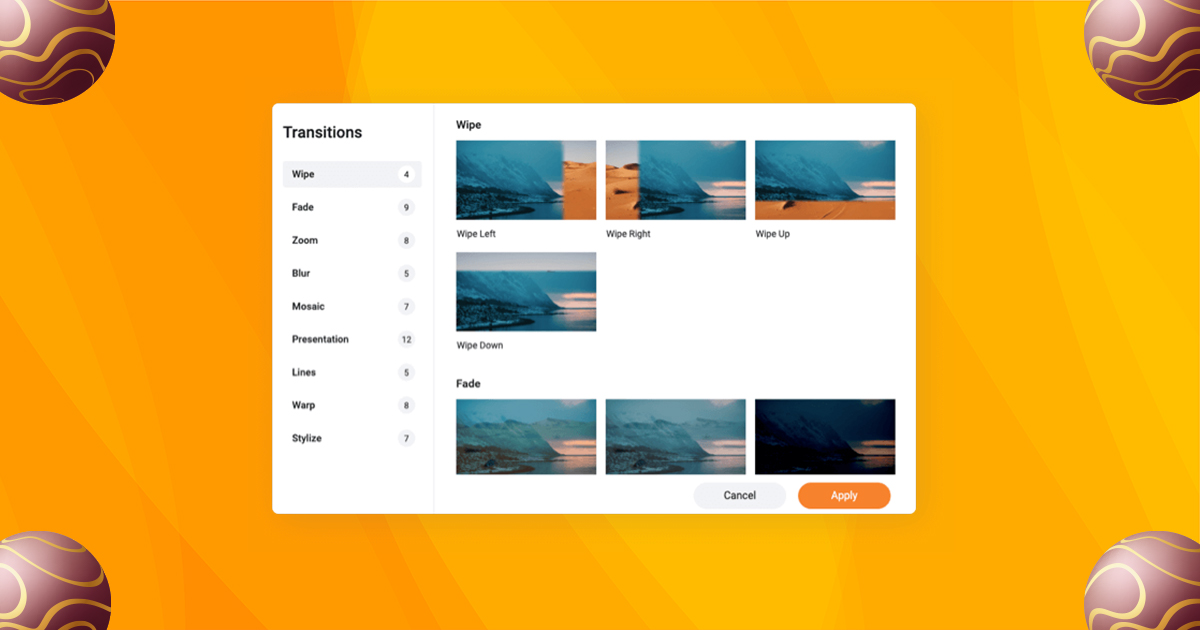
Apply subtle zoom-in and zoom-out effects sparingly to add depth without overpowering visuals.
7. Maintain Consistent Pacing
Pacing defines the emotional rhythm of a video:
- Short clips for energetic or action scenes
- Longer clips for interviews and storytelling

Abrupt pacing changes can confuse viewers, so we maintain smooth continuity within scenes.
8. Choose and Maintain a Consistent Color Scheme
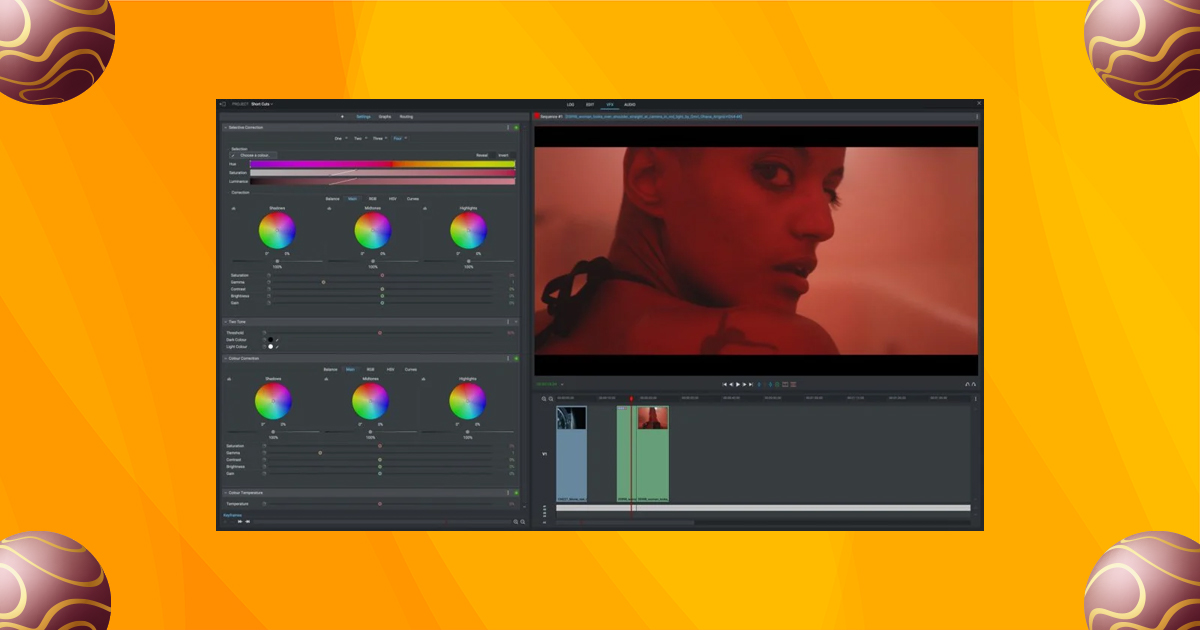
Color correction ensures footage looks natural, while light color grading sets mood and tone. Small adjustments to contrast and warmth often deliver the best results without overprocessing.
9. Prioritize High-Quality Audio
Audio quality can make or break a video. We focus on:
- Clear dialogue
- Balanced volume levels
- Smooth audio transitions using J-cuts
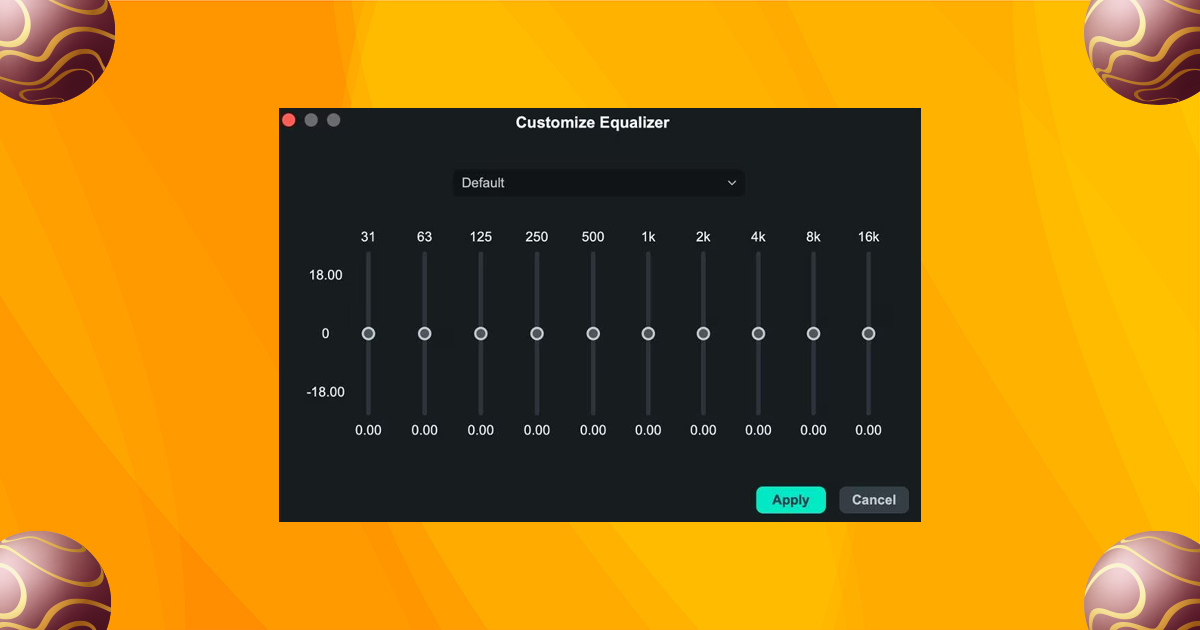
Using an external audio recorder significantly improves sound clarity and professionalism.
10. Enhance with Music and Sound Effects
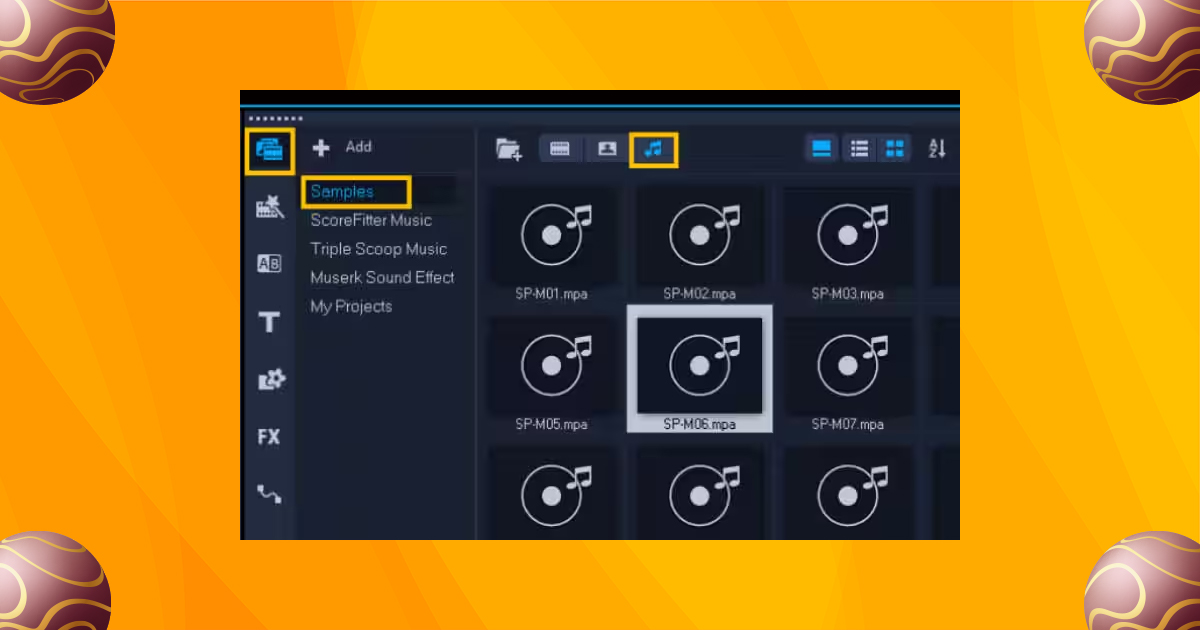
Music and sound effects elevate emotional impact. We ensure:
- Music remains subtle and royalty-free
- Sound effects enhance, not distract
- Silence is intentional or filled with room tone
Text overlays, lower-thirds, and stabilization should remain clean and minimal.
11. Export Using the Right Settings
Export settings must match the publishing platform. We ensure:
- Correct aspect ratio
- Supported file format such as MP4 or MOV
- Balanced bitrate for quality and file size
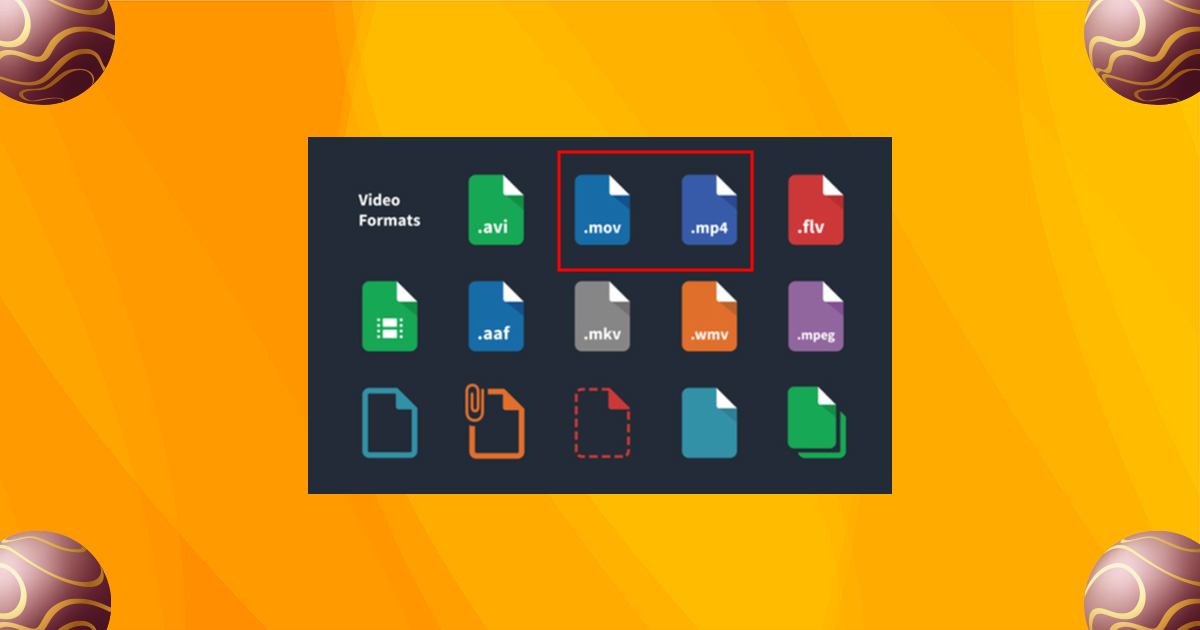
Always confirm platform compatibility before exporting.
Bonus Tip: Build Strong Video Branding
Consistent branding builds trust and recognition.
We recommend:
- A 3–5 second reusable intro
- A fixed brand color palette
- Standardized lower-thirds and fonts
These elements make content instantly recognizable.
Time-Saving Video Editing Tips for Beginners
Efficiency improves consistency and output quality.
-
Use Templates and Presets
Reusable templates for intros, titles, and layouts save time and maintain brand consistency.
-
Batch Edit Similar Changes
Apply the same edits across multiple clips at once to streamline workflow.
-
Master Keyboard Shortcuts
Learning shortcuts for cutting, splitting, and zooming drastically reduces editing time.
How AI Is Transforming Video Editing for Beginners in 2026
AI tools now handle repetitive tasks like:
- Removing filler words
- Cleaning audio
- Syncing captions
- Creating social media clips
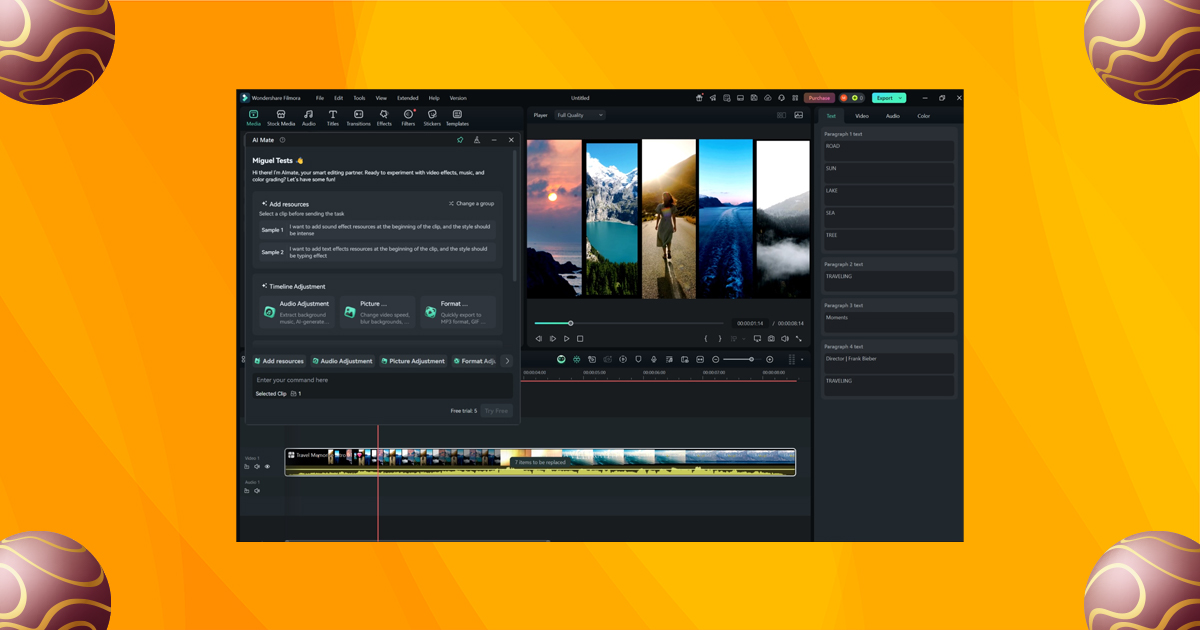
Modern AI co-editors allow beginners to focus on storytelling instead of technical friction, making professional editing more accessible than ever.
Choosing the Best Video Editing Software for Beginners
Selecting the right software depends on project size, experience, and hardware.
-
For Large or Advanced Projects
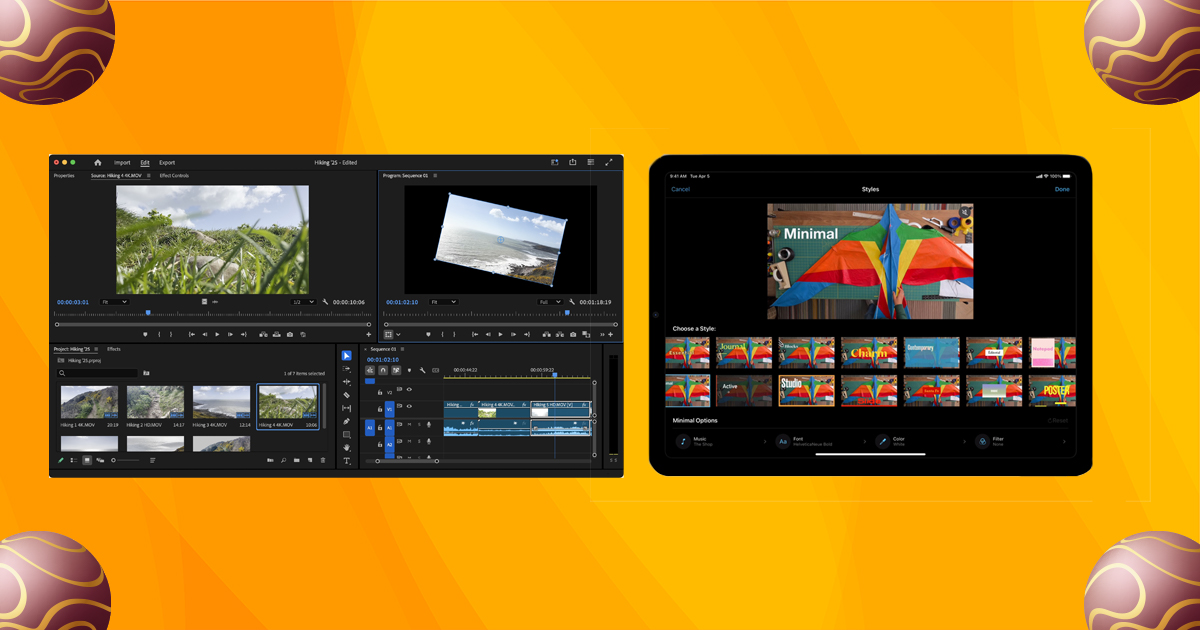
Professional tools like Adobe Premiere Pro, DaVinci Resolve, Final Cut Pro, and After Effects offer advanced features for long-form and cinematic editing.
-
For Simple and Short Projects
Beginner-friendly options like iMovie or script-based editors are ideal for social media videos, vlogs, and tutorials.
-
Check System Compatibility
Ensure your device meets software requirements to avoid crashes and lost work.
Becoming a Confident Video Editor
The fastest way to improve is consistent practice. Reviewing edits with fresh eyes helps refine pacing, storytelling, and flow. Staying focused on the core message ensures every cut serves a purpose.
Frequently Asked Questions
1. What are the basics of video editing?
Organizing footage, trimming clips, adding transitions, balancing audio, applying basic color correction, and exporting correctly.
2. How can beginners learn video editing?
Through hands-on practice, tutorials, and experimenting with beginner-friendly software.
3. What is the 3-2-1 backup rule?
Keep 3 copies of your files, on 2 different media types, with 1 stored off-site.
4. What is the 80/20 rule in video editing?
Most storytelling impact happens during editing, not filming.
5. What is the 3-second rule?
Viewers decide whether to keep watching within the first three seconds, making strong hooks essential.



Leave A Comment