
How to Search Twitter Without an Account: Complete Guide
Learn how to search Twitter without an account. Use Google search and direct URLs. Try Twitter viewer tools, Trends24, StoreFries for monitoring.
Kasthuri| 01 June 2026

Twitter, now called X, is a popular social media platform. It helps you find breaking news, trending topics, public opinions, and brand talks. However, not everyone wants to create an account or log in just to browse tweets and profiles. Fortunately, there are several ways to search Twitter without an account and access publicly available content.
Whether you are a marketer, researcher, journalist, business owner, or casual user, this guide can help. It shows you how to search Twitter without logging in. It also covers the best tools to make the process easier.

Can You Search on Twitter Without an Account?
Yes, you can search Twitter without an account. While Twitter encourages users to sign up and log in, much public content is still accessible. Users can find it through search engines, third-party tools, and direct profile links.
Although some features are limited, you can still view tweets, trending topics, hashtags, and public profiles without an account.
However, you cannot view private accounts and protected tweets unless the account owner authorizes you.
What Can You View When You Search Twitter Without an Account?
When searching Twitter without logging in, you can access various types of public information, including:
Public Tweets
Tweets shared by public accounts are often visible through search engines and third-party platforms.
Public Profiles
You can view profile information, bios, profile photos, and public posts from many Twitter users.
Hashtags
Trending and popular hashtags can be searched to discover conversations around specific topics.
Images and Videos
Many publicly shared images and videos remain accessible through profile pages and search results.
Trending Topics
Real-time trends and discussions can be tracked using dedicated Twitter trend monitoring tools.
Brand Mentions
Businesses can monitor public conversations about their products, services, and competitors.
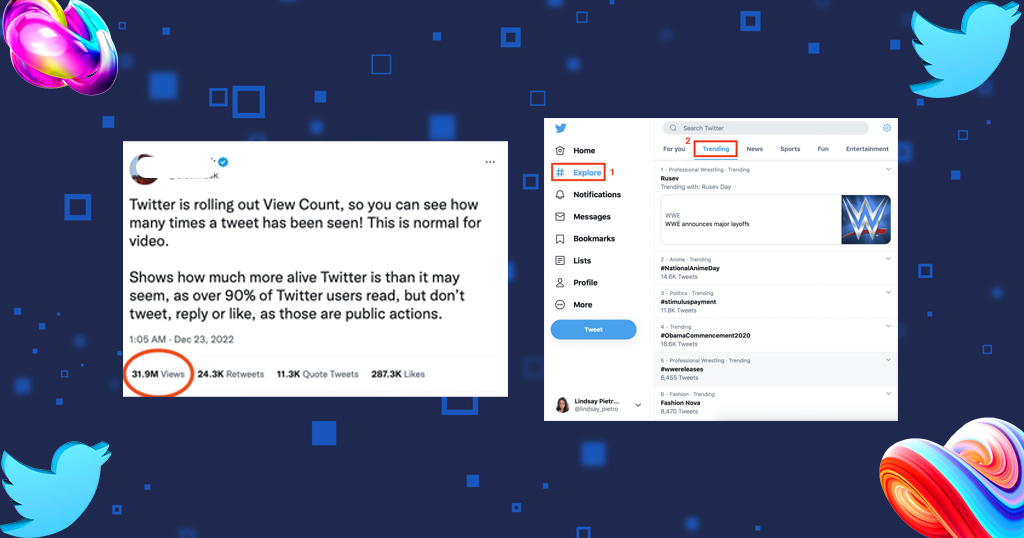
How to Run a Twitter Search Without an Account: 5 Fool-Proof Ideas That Work
Several reliable methods allow you to browse Twitter content without signing in.
1. Use a Custom Google Search
Google indexes millions of public Twitter pages and tweets. This makes it easy to search Twitter without an account.
Use the following search format:
- site:twitter.com keyword
For example:
- site:twitter.com digital marketing
- site:twitter.com social media trends
This method helps you find tweets, profiles, discussions, and hashtags related to your search query.
Benefits
- No Twitter account required
- Quick access to public content
- Easy keyword-based search
- Effective for finding profiles and tweets

2. Use External Widgets
Many websites embed Twitter feeds and timelines directly on their pages. These widgets display tweets, conversations, and updates without requiring visitors to log in.
Examples include:
- News websites
- Company websites
- Blogs
- Event pages
- Sports portals

Embedded widgets provide a convenient way to view Twitter content directly from other websites.
3. Use Direct Twitter URLs
If you know a Twitter account username, you can often view its public profile using a direct URL.
Example:
https://twitter.com/username
or
https://x.com/username
This allows you to view:
- Profile details
- Public tweets
- Photos and videos
- Pinned posts
- Replies and interactions

Direct URLs are one of the fastest ways to access specific Twitter profiles.
4. Use Social Media Aggregators or Monitoring Tools
Social media aggregators collect content from multiple platforms and display it in one place.
These tools help users:
- Monitor conversations
- Track hashtags
- Follow industry trends
- Analyze competitor activity
- Discover audience sentiment

Businesses often use social listening tools to stay informed about online discussions without manually searching each platform.
5. Use Third-Party Twitter Viewer Tools
Third-party Twitter viewers are designed specifically to help users browse Twitter content without creating an account.
These tools typically provide:
- Tweet search
- Profile viewing
- Hashtag tracking
- Trend discovery
- Historical tweet analysis
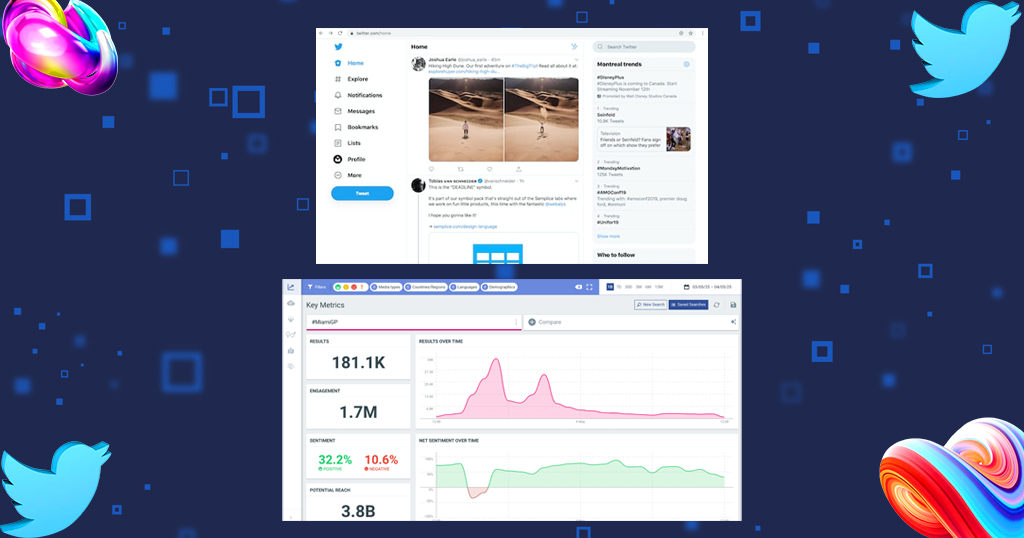
They are especially useful for marketers and researchers who need quick access to Twitter data.
3 Tools to Conduct a Twitter Search Without an Account
Several tools make Twitter searches easier and more efficient.
TweetBinder
TweetBinder is a popular Twitter analytics and hashtag tracking platform.
Features
- Hashtag monitoring
- Tweet analytics
- Campaign tracking
- Historical Twitter data
- Audience insights
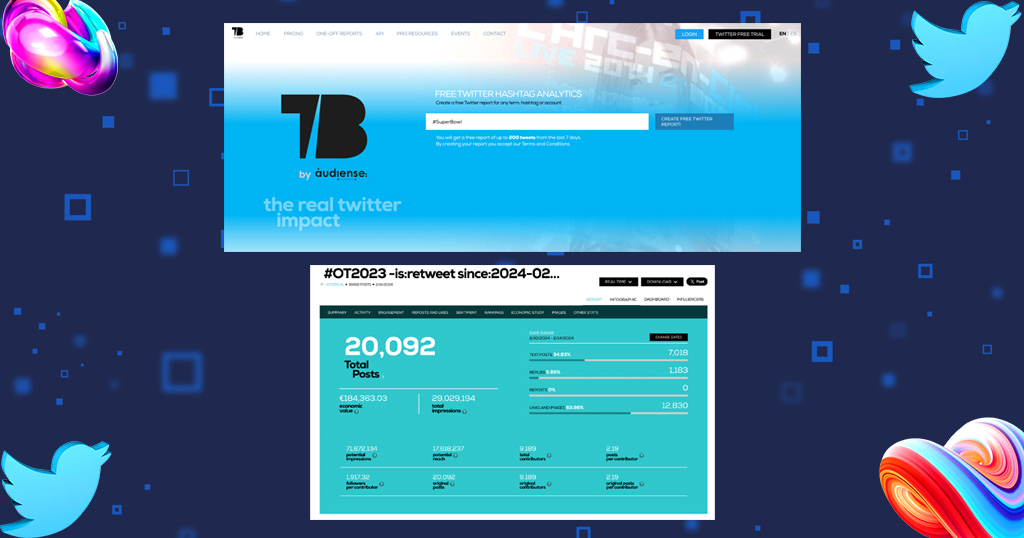
It is commonly used by marketers and businesses to measure campaign performance and monitor online conversations.
Trends24
Trends24 focuses on real-time Twitter trends from around the world.
Features
- Live trending topics
- Country-specific trends
- Historical trend analysis
- Trend tracking
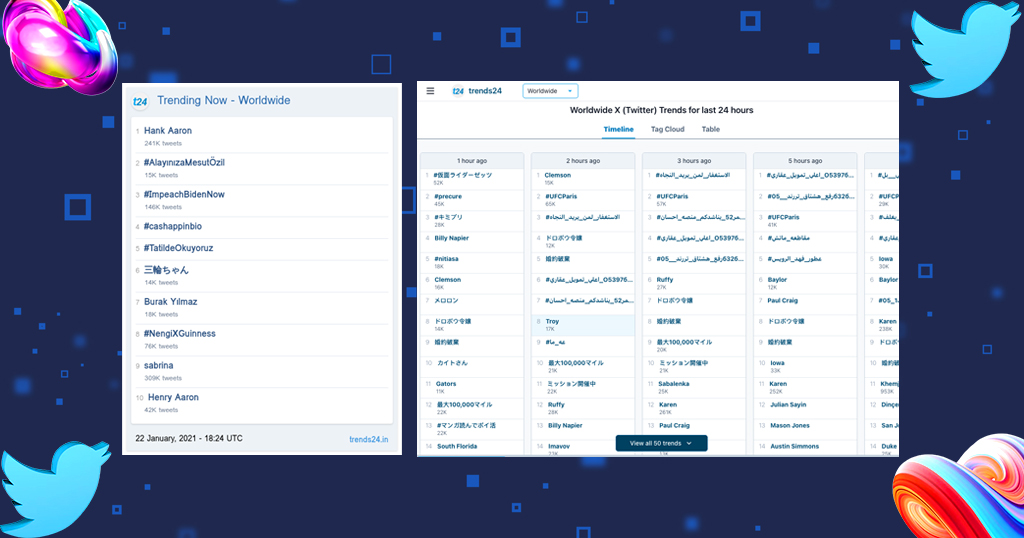
This tool is ideal for discovering what people are discussing at any given moment.
Trendsmap
Trendsmap provides a visual representation of Twitter trends across different locations.
Features
- Geographic trend tracking
- Regional hashtag analysis
- Location-based conversations
- Real-time monitoring
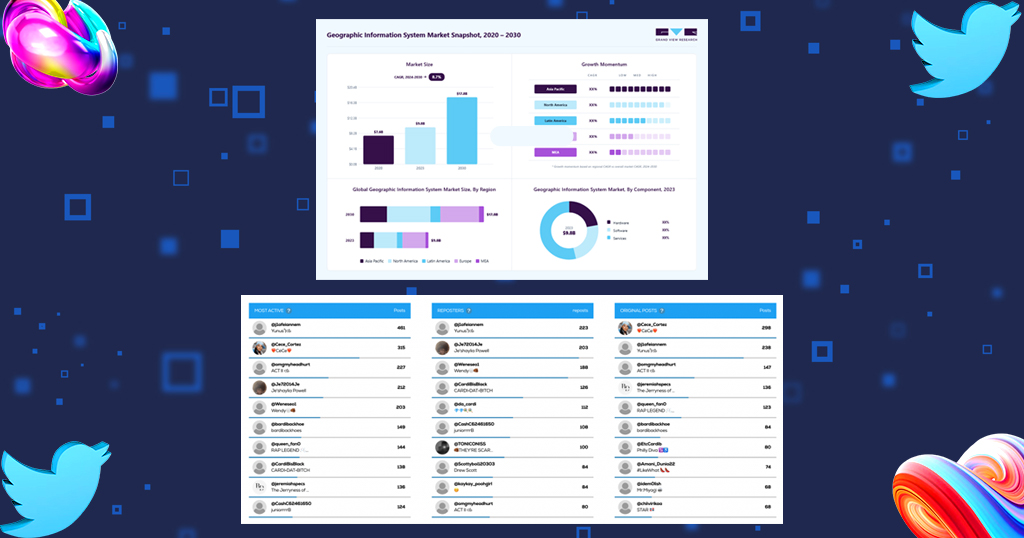
Businesses targeting specific regions can use Trendsmap to identify local discussions and opportunities.
Use Storefries to Monitor Twitter for Brand Mentions
For businesses managing multiple social media channels, monitoring brand mentions can be time-consuming. This is where StoreFries can help.
StoreFries simplifies social media management by allowing businesses to monitor conversations, track engagement, and manage multiple platforms from a single dashboard.
Benefits of Using Storefries
Monitor Brand Mentions
Track conversations about your business, products, and services across social media channels.
Manage Multiple Accounts
Handle various social media profiles without switching between platforms.
Track Customer Engagement
Stay updated on comments, messages, and mentions in one place.
Improve Response Time
Respond quickly to customer inquiries and feedback.
Gain Valuable Insights
Understand audience behavior and identify trending topics relevant to your industry.
For businesses that rely on social media marketing, StoreFries provides an efficient solution for monitoring online conversations and managing brand reputation.
Simplify Managing Multiple Social Media Accounts with Storefries
Managing multiple social media accounts can become overwhelming as your business grows. StoreFries helps streamline social media management by bringing all your channels into a single platform.
With tools to monitor brand mentions, track engagement, manage content, and analyze results, StoreFries helps businesses save time. It also helps them improve their social media strategy.
Whether you want to track Twitter conversations, talk with customers, or manage many social profiles, StoreFries can help. It gives you the tools you need to simplify your workflow and strengthen your online presence.
Conclusion
Searching Twitter without an account is easier than many people realize. By using Google Search, users can view public content without logging in. They can also use direct Twitter URLs. They can use external widgets. They can use social media and aggregators. They can use third-party viewer tools.
Businesses can monitor brand mentions and manage social media more effectively. StoreFries helps track conversations and maintain an active online presence. Combining these methods and tools helps you stay informed about trends, audience interests, and industry discussions. You can do this without a Twitter account.
FAQs
1. Can I search Twitter without signing up?
Yes. Public tweets, profiles, and hashtags can often be accessed through search engines, direct URLs, and third-party tools.
2. Can I view private Twitter accounts?
No. Protected accounts and private tweets cannot be viewed without permission from the account owner.
3. Can I search hashtags without an account?
Yes. Hashtag searches can be performed using Google, Twitter viewer tools, and trend-monitoring platforms.
4. Which tool is best for tracking Twitter trends?
Trends24 and Trendsmap are excellent tools for monitoring real-time Twitter trends and discussions.
5. Can businesses monitor Twitter mentions without an account?
Yes. Social listening and social media management platforms such as StoreFries help businesses track mentions, engagement, and customer conversations.





Leave A Comment