
YouTube Description Generator: Boost Views Fast
Discover easy ways to use a YouTube description generator. Create engaging, SEO-friendly video descriptions that boost clicks and views.
Kasthuri| 27 April 2026
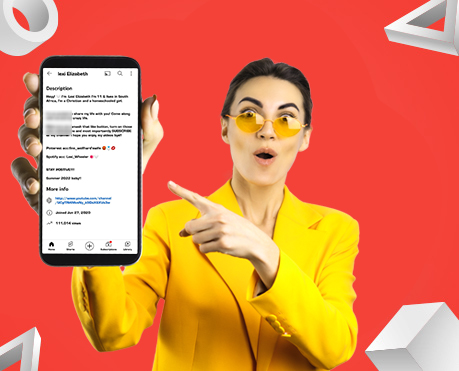
In today’s competitive digital landscape, creating compelling video content is only half the battle. To truly succeed on YouTube, we must support every video with a strong, optimized description. It should drive visibility, engagement, and conversions. A YouTube description generator is a strategic tool that helps us craft high-quality descriptions that rank better, attract viewers, and increase watch time.
This comprehensive guide explores how to use a YouTube description generator effectively, the benefits it offers, and how we can create descriptions that outperform competitors in search results.
What is a YouTube Description Generator?
A YouTube description generator is a tool designed to automatically create optimized video descriptions based on keywords, titles, and content themes. Instead of writing descriptions manually, we can generate SEO-friendly, structured, and engaging descriptions within seconds.
These tools are built to:
- Incorporate target keywords naturally
- Improve search visibility
- Enhance click-through rates (CTR)
- Increase viewer retention and engagement
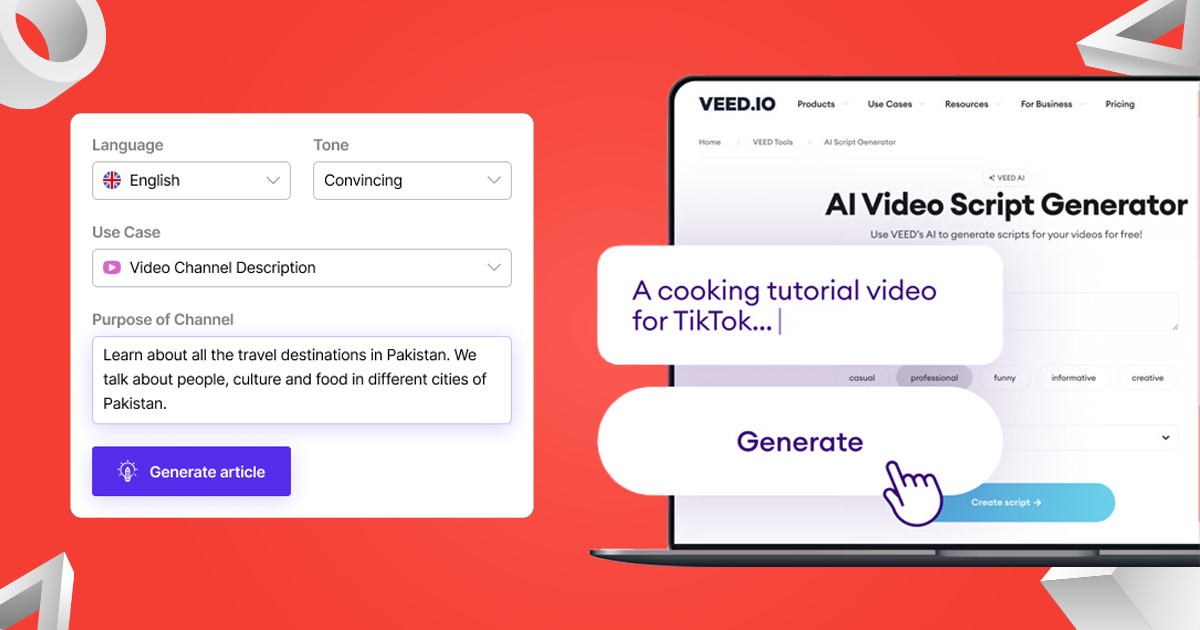
By leveraging such tools, we can ensure that every video is supported by a description that aligns with both user intent and search engine algorithms.
Why YouTube Descriptions Matter for SEO
A well-crafted description plays a crucial role in video performance. It is one of the primary elements that help YouTube understand the context of our content.
Key Benefits of Optimized Descriptions
- Higher Search Rankings: Including relevant keywords improves discoverability.
- Better Engagement: Clear and informative descriptions encourage users to watch longer.
- Improved CTR: A compelling description motivates users to click on the video.
- Increased Conversions: Strategic calls-to-action (CTAs) can drive traffic to websites, products, or services.
When we use a YouTube description generator, we ensure consistency and quality across all videos.
Essential Features of a High-Quality YouTube Description Generator
Not all tools are created equal. To truly outperform competitors, we must use a generator that includes the following features:
1. Keyword Optimization
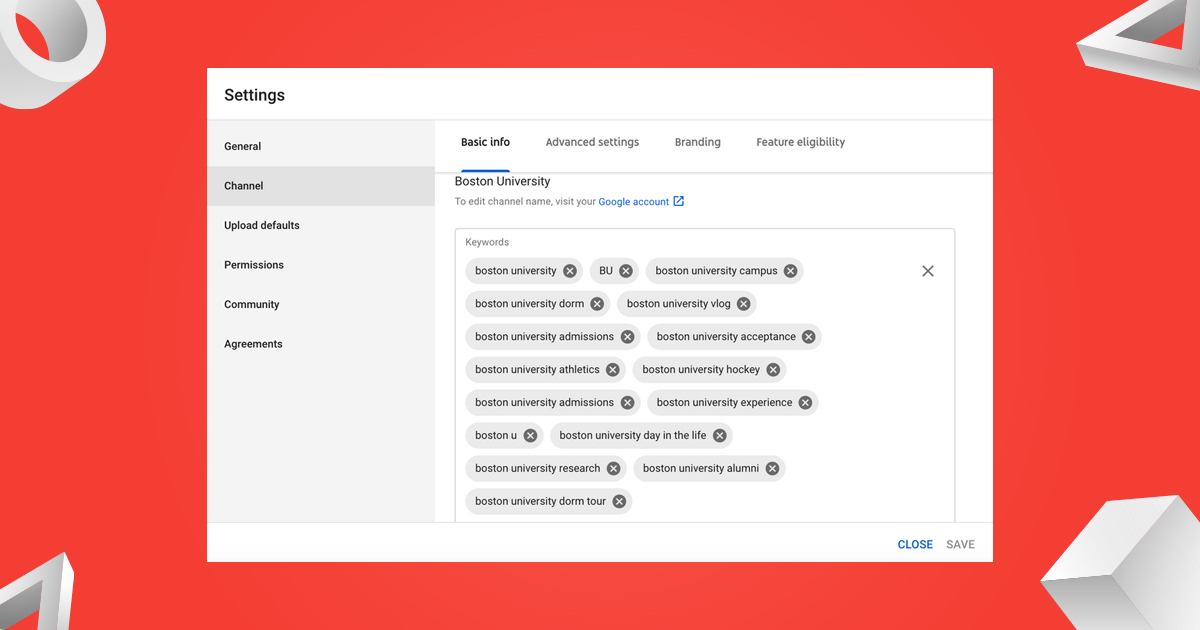
A powerful generator integrates primary and secondary keywords seamlessly into the description without keyword stuffing.
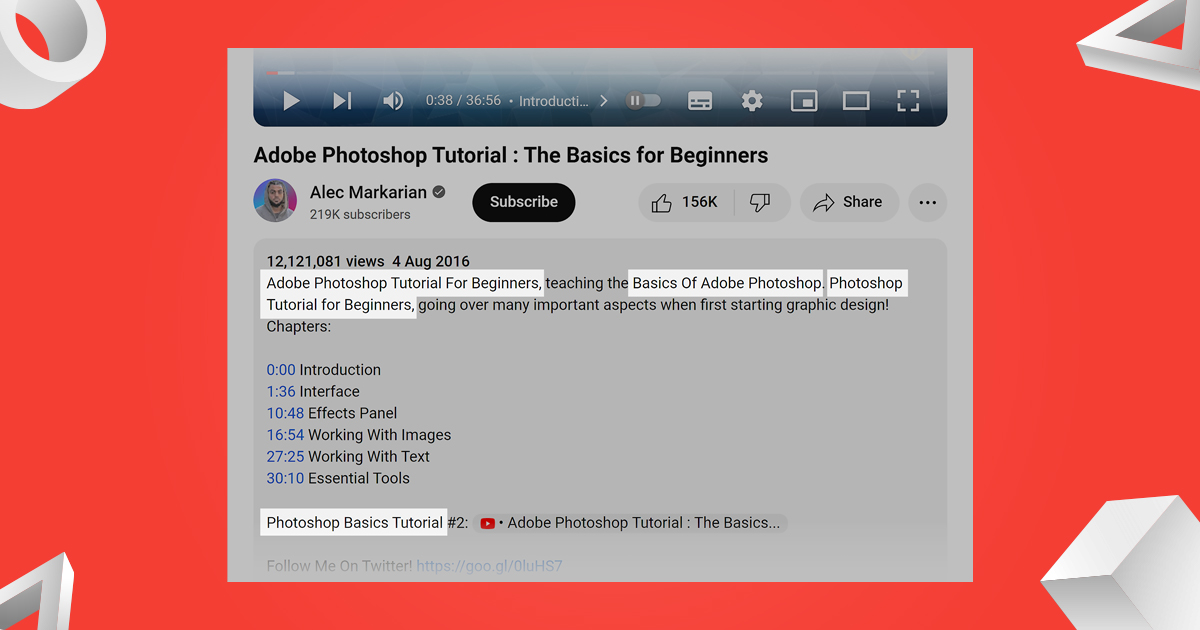
2. Structured Formatting
The best tools create descriptions with:
- Clear paragraphs
- Bullet points
- Timestamp sections
- CTA placements
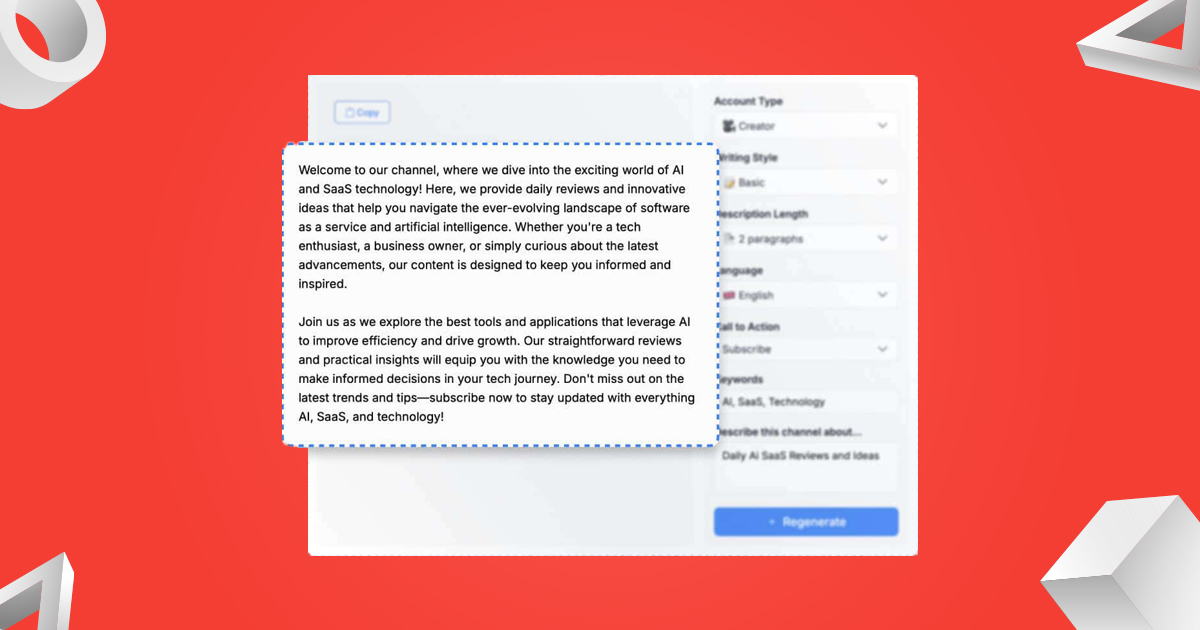
3. Customizable Templates
We should be able to adjust tone, style, and structure based on our niche or audience.
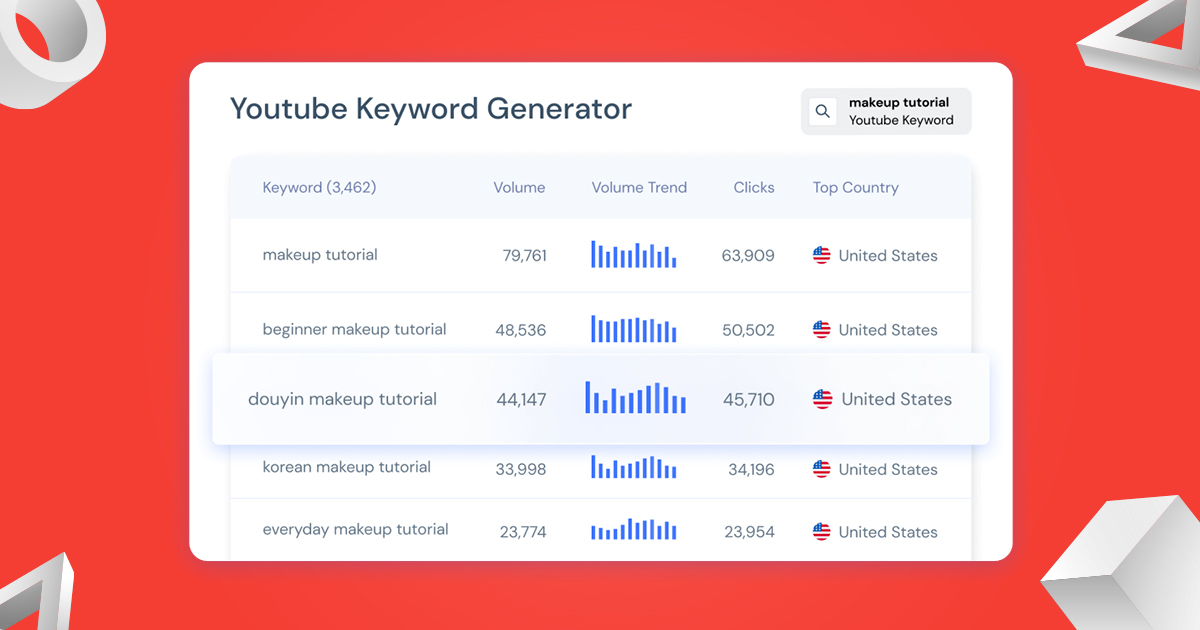
4. SEO Intelligence
Advanced tools analyze trending keywords and suggest high-ranking search terms to include.
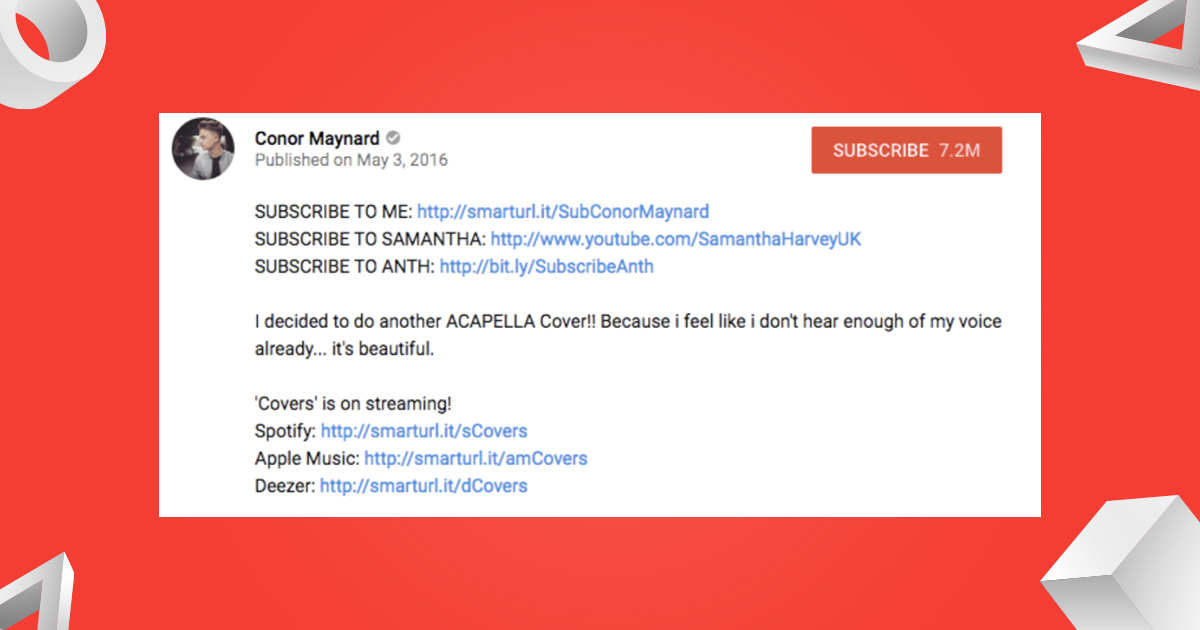
5. Call-to-Action Integration
Effective descriptions include prompts like:
- Subscribe to the channel
- Visit a website
- Download resources
How to Use a YouTube Description Generator Effectively
To maximize results, we must follow a strategic process when using a generator.
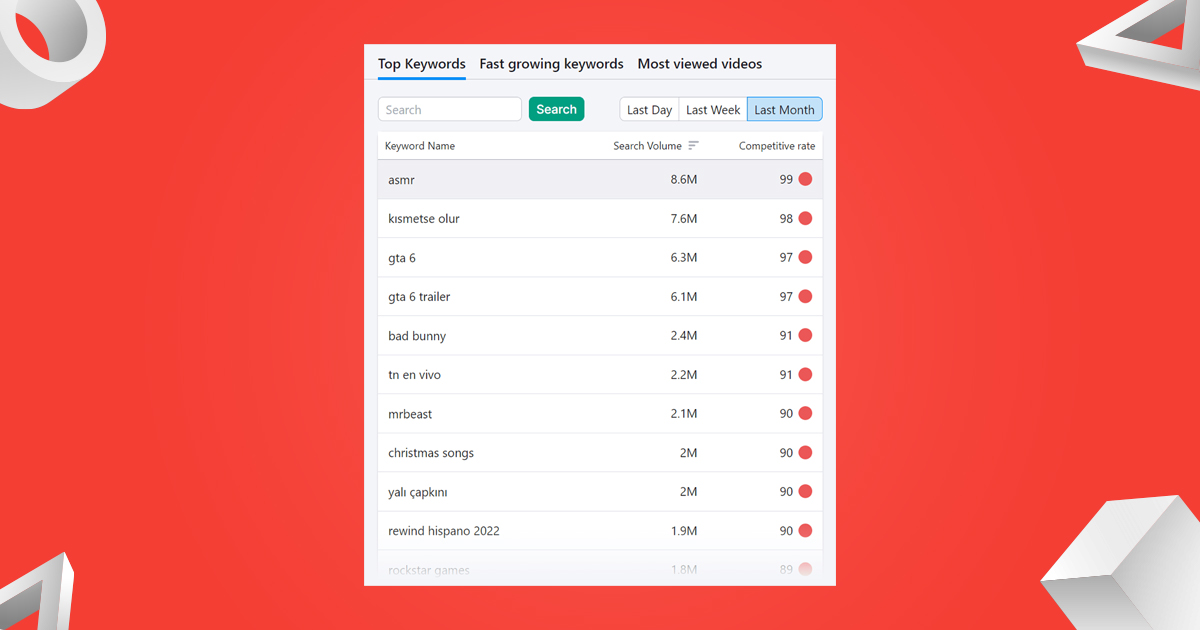
Step 1: Identify Target Keywords
Start by researching keywords relevant to the video topic. Focus on:
- Primary keyword (e.g., YouTube description generator)
- Long-tail keywords (e.g., best YouTube description generator free)
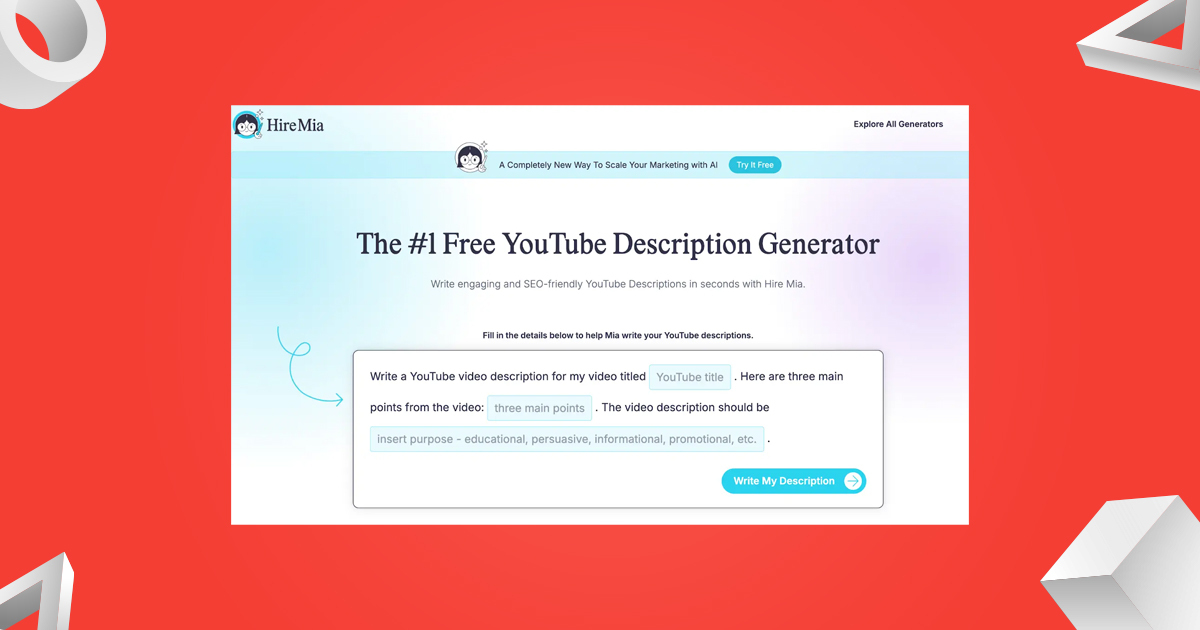
Step 2: Input Video Details
Provide the tool with:
- Video title
- Main topic
- Key points or summary
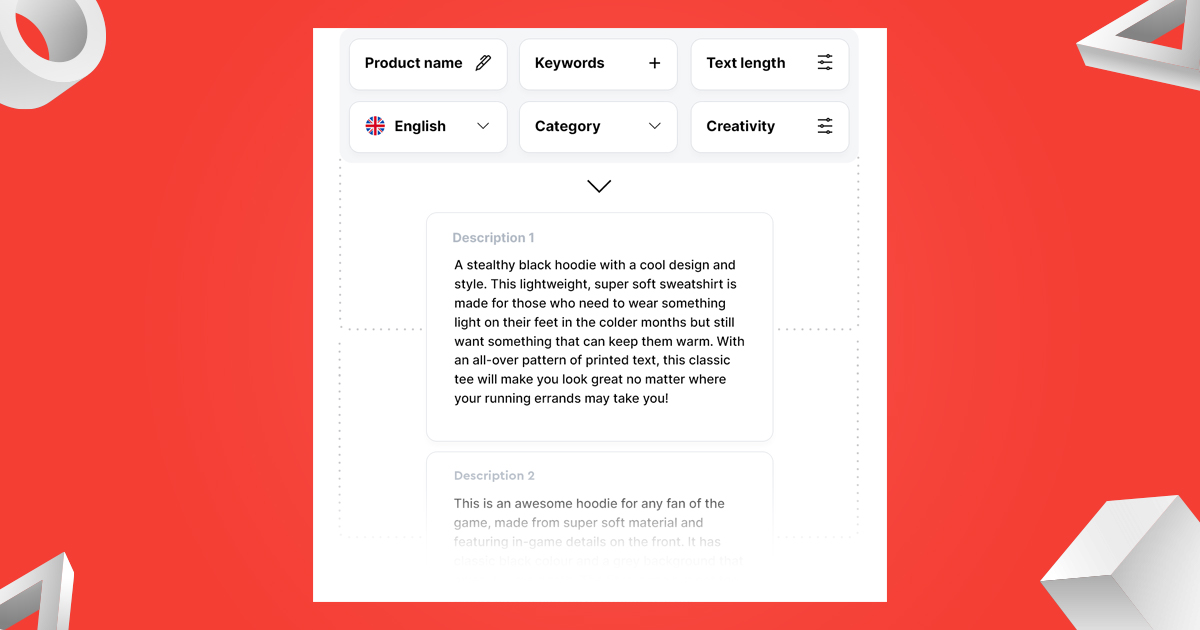
Step 3: Generate the Description
Allow the tool to create a draft. Ensure it includes:
- A strong opening paragraph
- Keyword-rich content
- Clear structure
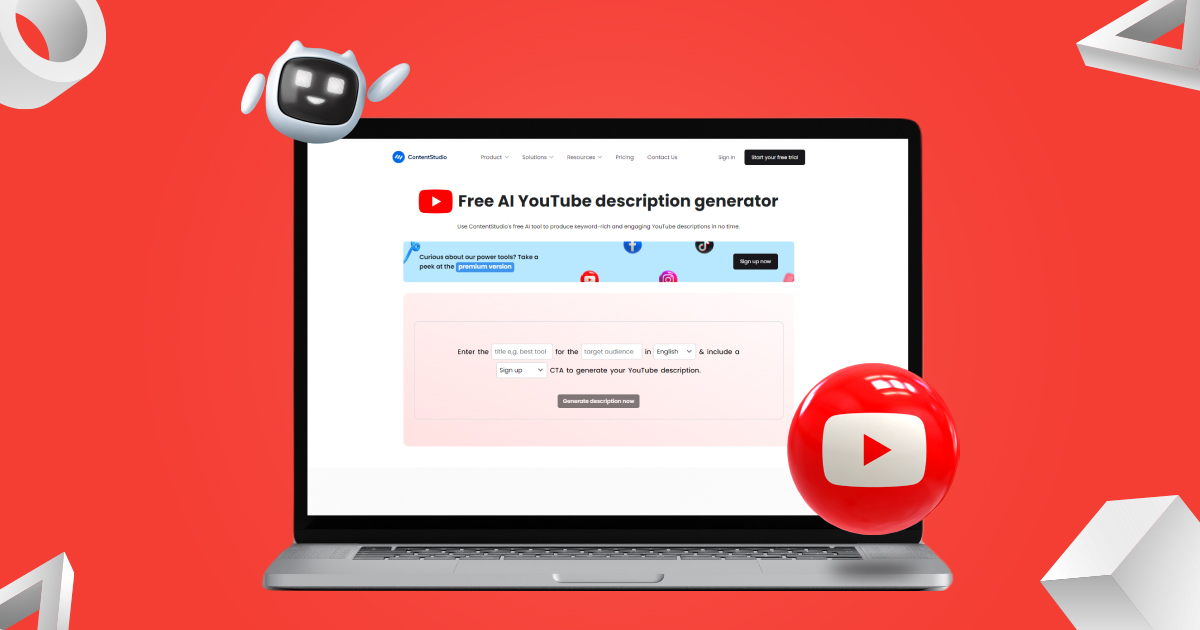
Step 4: Customize the Output
Refine the generated text by:
- Adding brand voice
- Including links
- Enhancing CTAs
Step 5: Optimize for Engagement
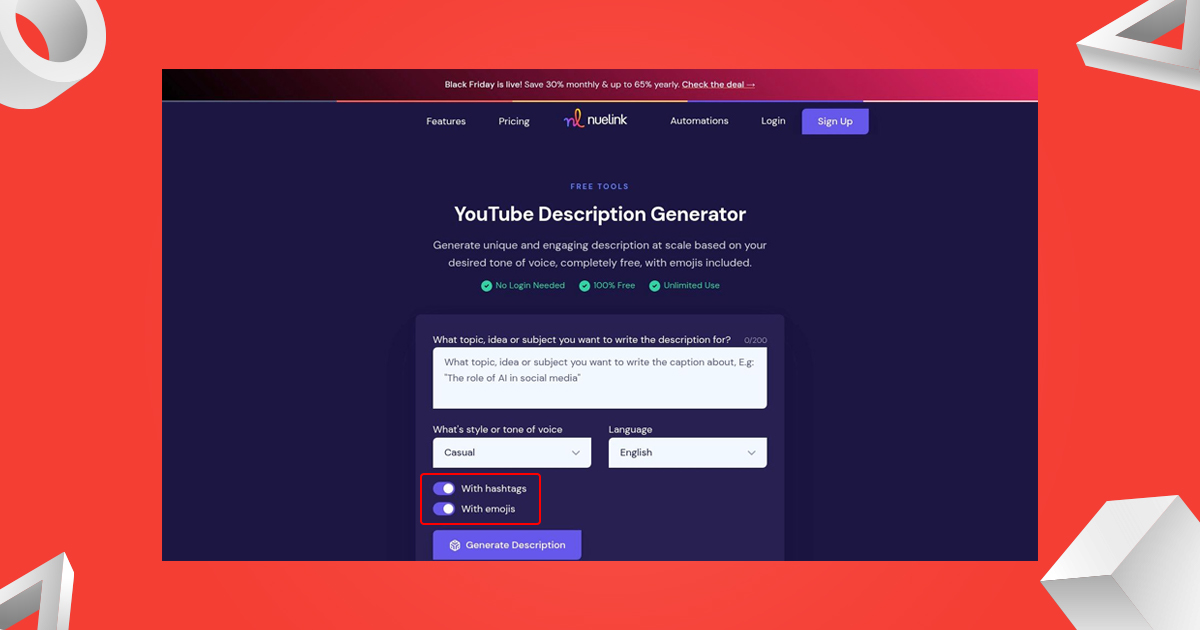
Include:
- Emojis (optional, depending on audience)
- Hashtags
- Timestamps for better navigation
Best Practices for Writing YouTube Descriptions
Even with a generator, we must follow proven best practices to achieve maximum impact.
Write a Strong Opening
The first 2–3 lines are critical. They appear in search results and should include:
- Primary keyword
- Clear value proposition
- Hook to grab attention
Use Keywords Naturally
Avoid overloading the description. Instead:
- Place keywords strategically
- Maintain readability
- Focus on user intent
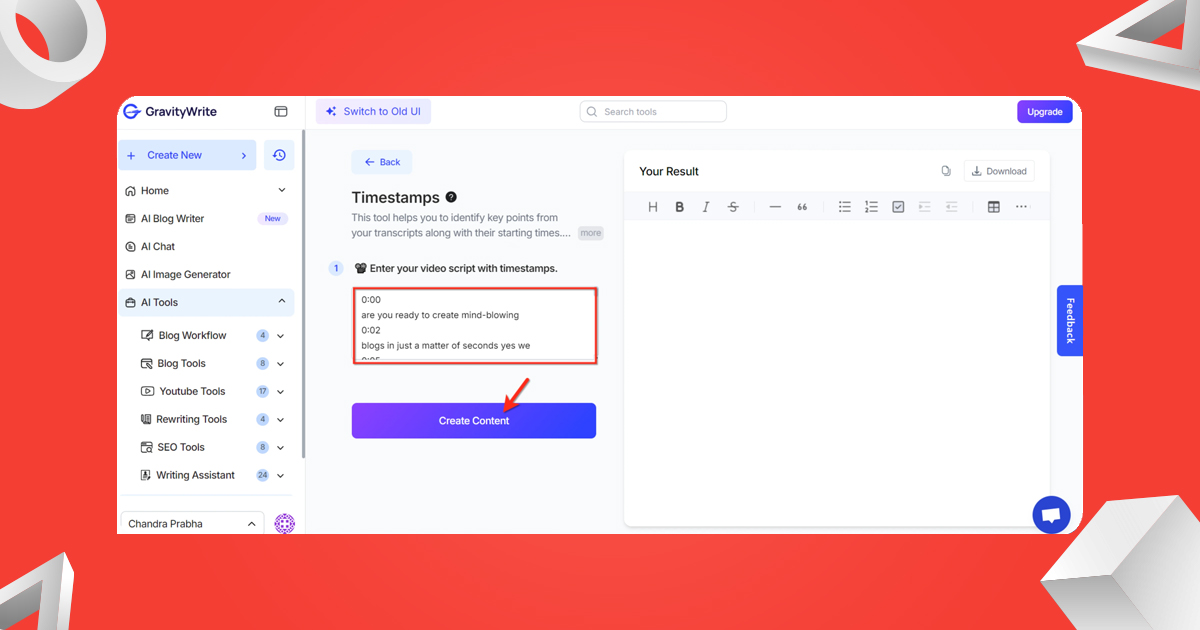
Include Timestamps
Timestamps improve user experience and increase watch time.
Example:
- 00:00 Introduction
- 01:30 Key Features
- 05:00 Tips and Tricks
Add Relevant Links
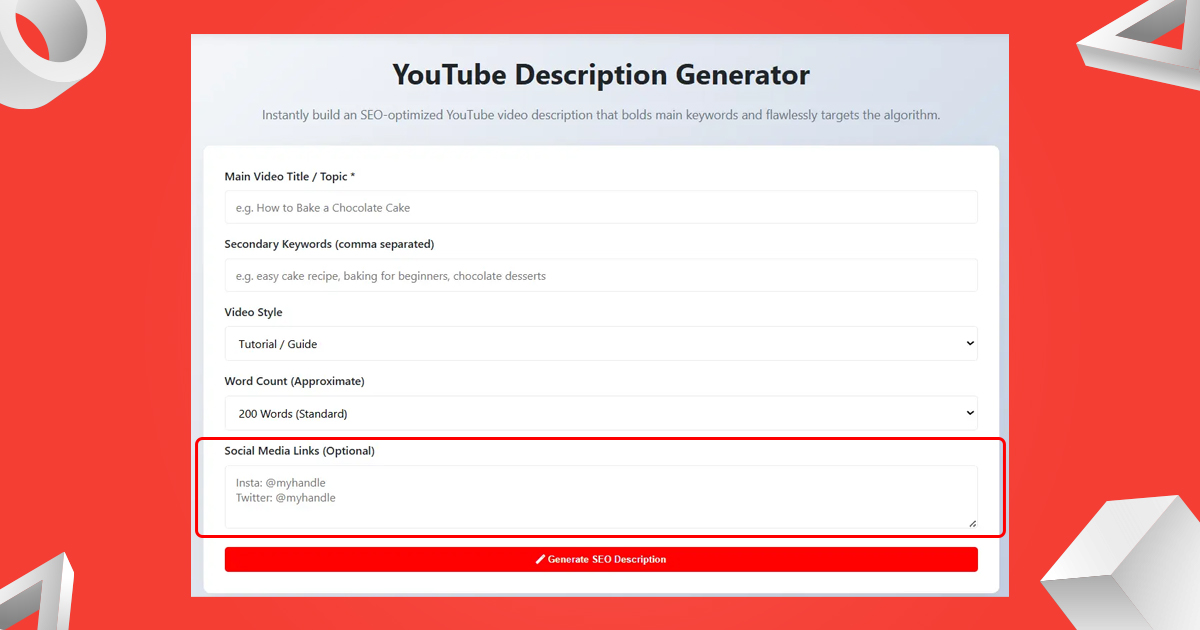
Drive traffic by including:
- Website links
- Product pages
- Social media profiles
Use Hashtags
Include 3–5 relevant hashtags at the end to improve discoverability.
Sample YouTube Description Using a Generator
Below is a high-performing example:
Title: YouTube Description Generator – Create SEO-Friendly Descriptions Instantly
Description:
Looking for the best YouTube description generator to boost your video rankings? In this video, we show how to create SEO-optimized descriptions that increase views, engagement, and subscribers.
Whether you’re a beginner or an experienced creator, this guide will help you write descriptions that stand out and drive results.
What You’ll Learn:
- How to use a YouTube description generator effectively
- Best practices for SEO optimization
- Tips to increase video visibility
Timestamps:
00:00 Introduction
01:20 Why Descriptions Matter
03:45 Step-by-Step Guide
07:10 Pro Tips
Useful Links:
Visit our website: [Your Website Link]
Follow us on Instagram: [Your Profile Link]
Don’t forget to like, share, and subscribe for more tips!
#YouTubeSEO #ContentCreation #VideoMarketing
Common Mistakes to Avoid
To stay ahead of competitors, we must avoid these common errors:
1. Keyword Stuffing
Overusing keywords can harm readability and rankings.
2. Ignoring Structure
A cluttered description reduces engagement.
3. Weak Call-to-Action
Failing to guide viewers results in missed opportunities.
4. Duplicate Descriptions
Each video should have a unique and tailored description.
Advanced Tips to Outrank Competitors
To dominate search results, we must go beyond basic optimization.
Leverage Long-Tail Keywords
Target specific phrases that have lower competition but high intent.
Analyze Competitor Descriptions
Study top-ranking videos and identify patterns in:
- Keyword usage
- Structure
- Engagement strategies
Update Old Descriptions
Refreshing outdated descriptions can improve rankings and visibility.
Use Analytics
Monitor performance metrics such as:
- Watch time
- Click-through rate
- Audience retention
Why We Should Use a YouTube Description Generator
A YouTube description generator saves time, ensures consistency, and improves SEO performance. By combining automation with strategic customization, we can create descriptions that:
- Rank higher in search results
- Attract more viewers
- Increase engagement and conversions
This approach allows us to focus more on content creation while maintaining high-quality optimization.
Conclusion
A well-optimized description is a powerful tool that can significantly impact the success of any video. By using a YouTube description generator, we streamline the process of creating high-ranking, engaging, and conversion-driven descriptions.
When we use the right tools and proven strategies, our content gains more visibility and grows over time.

Leave A Comment