
How to Ask Customers for Reviews: 25+ Scripts for 2026
Learn exactly how to ask customers for reviews with 25+ ready-to-use scripts for WhatsApp, email, SMS, and in-person retail stores.
Kasthuri| 27 July 2026
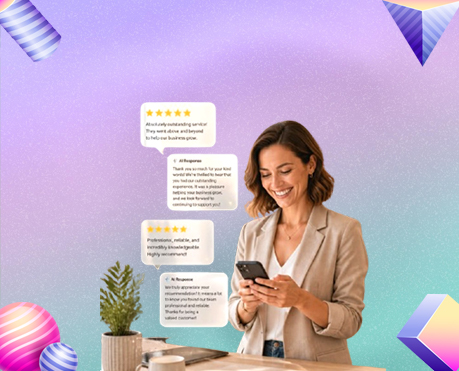
Getting more Google reviews is one of the highest-impact things a local business can do — and the single biggest reason most businesses don’t have enough of them is simply that nobody asked. Happy customers rarely leave reviews unprompted. Unhappy ones almost always do.
The fix is straightforward: build a simple, repeatable system for asking every customer, every time, through the right channel at the right moment. This guide gives you 25+ copy-paste scripts for every situation — WhatsApp, SMS, email, in-person, and follow-up — so you never stare at a blank message wondering what to write.
Why Asking for Reviews Works (And Why Most Businesses Don’t Do It)
The gap between the reviews your business deserves and the reviews it actually has comes down to one thing: friction. Most customers who had a great experience genuinely would leave a review if you asked — they just need the right nudge at the right moment.
According to BrightLocal’s Local Consumer Review Survey, over 70% of consumers will leave a review when asked — but less than 30% of businesses have any kind of systematic review request process. That gap is where your opportunity sits.
Before your scripts, two principles that make every ask more effective:
- Timing is everything. Ask right after a positive interaction — the meal was great, the product fit perfectly, the service exceeded expectations. Don’t wait 48 hours; the motivation fades fast.
- Reduce friction to near zero. Every extra step between “I’ll leave a review” and “I left a review” loses customers. Your direct Google review link — one tap, straight to the review box — is the single most important thing to set up. See our guide on how to get more Google reviews for how to generate and share this link.
WhatsApp Review Request Scripts
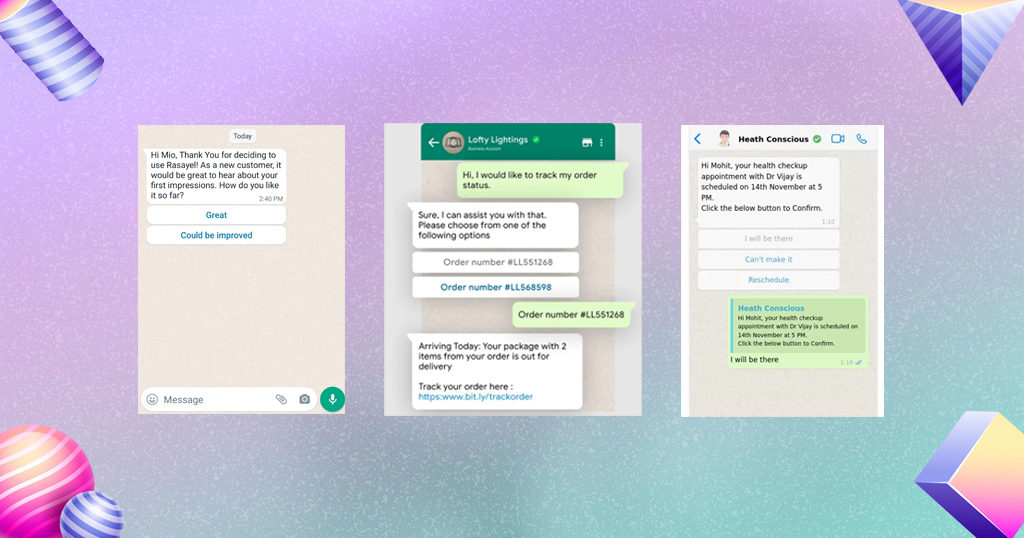
WhatsApp is the highest open-rate channel available to Indian small businesses — messages are read within minutes, and the personal feel of a WhatsApp message makes review requests feel genuine rather than automated. Read our full WhatsApp marketing guide for the full strategy.
Script 1 — Simple and direct (restaurant):
Hi [Name]! 😊 Thank you for visiting us today. We hope you enjoyed your meal! If you have a moment, we’d love it if you could share your experience on Google — it really helps us grow. Here’s the link: [your review link]. Thank you so much! 🙏
Script 2 — For retail stores after a purchase:
Hi [Name], thanks for shopping with us today! We hope you love your [product name]. If you’re happy with your purchase, a quick Google review means the world to us 🌟 [your review link] — it takes less than a minute!
Script 3 — Follow-up (sent 1–2 days after visit):
Hi [Name]! We hope you’re enjoying [product/meal]. If you had a good experience with us, we’d really appreciate a Google review — it helps other customers find us. Here’s the direct link: [your review link] 🙏 Thank you!
Script 4 — For repeat customers:
Hi [Name]! It’s always great seeing you 😊 As one of our regulars, your opinion means a lot to us. If you have a moment, would you mind leaving us a Google review? [your review link]. It genuinely makes a difference for our small business. Thank you!
Script 5 — After resolving a complaint:
Hi [Name], thank you so much for giving us the chance to make things right. We hope your experience this time was much better! If you feel we’ve improved, we’d really appreciate it if you could update your review or share your experience: [your review link]. Thank you for your patience 🙏
SMS Review Request Scripts
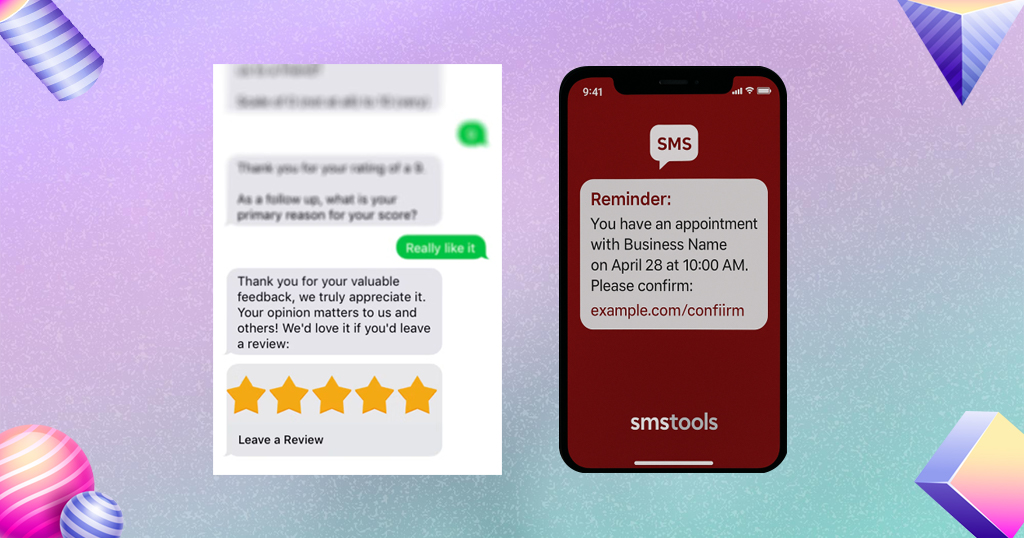
SMS works best for businesses that collect customer phone numbers at checkout or during booking — delivery orders, salons, clinics, and service-based retail.
Script 6 — Short and simple:
Hi [Name], thanks for visiting [Business Name]! We’d love your feedback on Google: [your review link]. Takes 30 seconds — means a lot to us! 😊
Script 7 — Post-delivery:
Hi [Name]! Hope you’re loving your [product/order] from [Business Name]. A quick Google review helps us grow 🙏 [your review link]
Script 8 — After a service appointment:
Hi [Name], thanks for your appointment at [Business Name] today! We hope you’re happy with the results. If you are, please share your experience here: [your review link] — thank you! ⭐
Script 9 — Seasonal/festival timing:
Hi [Name]! Happy [Diwali/Pongal/Eid] from all of us at [Business Name] 🎉 If you’ve visited us recently, a Google review would be the best gift you could give our small team: [your review link] 🙏
Email Review Request Scripts
Email works well for businesses with an active customer email list — online stores, restaurants with delivery, or service businesses that send booking confirmations.
Script 10 — Standard post-purchase email:
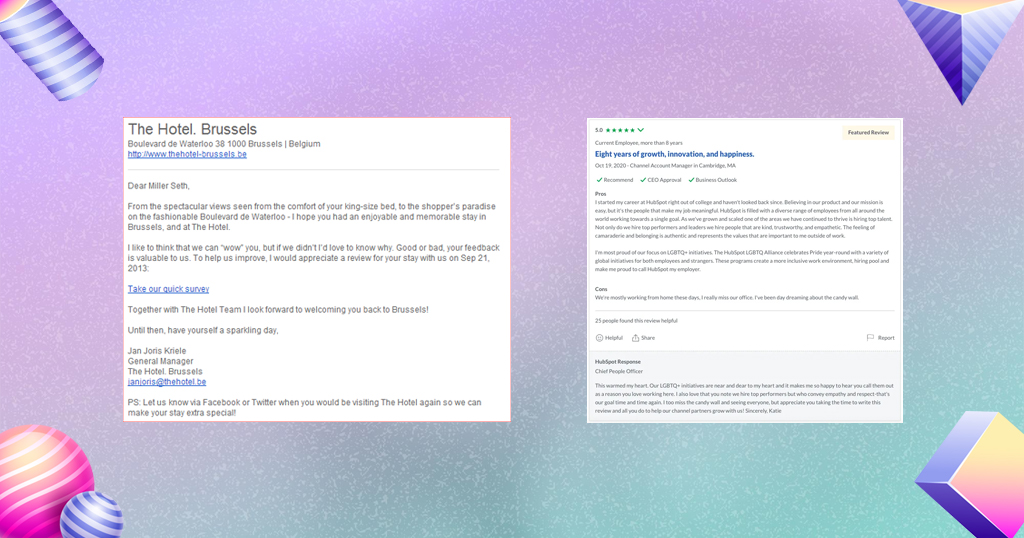
Subject: How was your experience at [Business Name]?
Hi [Name],
Thank you for visiting/ordering from [Business Name]! We hope everything was exactly what you expected.
If you have 30 seconds, we’d love it if you could share your experience on Google. Your review helps other customers find us and helps our small team keep improving.
👉 [Leave a Google Review]([your review link])
Thank you so much — it genuinely means a lot to us.
Warm regards, [Your Name], [Business Name]
Script 11 — More personal, for high-value customers:
Subject: A quick favour from [Business Name]
Hi [Name],
It was wonderful having you with us recently. We always aim to give every customer an experience worth coming back for, and feedback from customers like you helps us do that.
If you’re happy with your visit, could you take a moment to share it on Google? Here’s the direct link — it takes under a minute:
👉 [Share your experience]([your review link])
We read every review personally, and yours will make a real difference.
With thanks, [Your Name]
Script 12 — Post-delivery order confirmation follow-up (automated):
Subject: How did we do, [Name]?
Hi [Name],
Your recent order from [Business Name] has been delivered — we hope you love it!
Happy with everything? A quick Google review helps our small business grow and helps other customers choose with confidence.
⭐ [Leave a Review Here]([your review link])
Thank you for supporting us!
In-Person Review Request Scripts
For restaurants and retail stores, the in-person ask — done right — is the most natural and effective approach. Train your team to deliver it confidently, not awkwardly.
Script 13 — At checkout (retail):
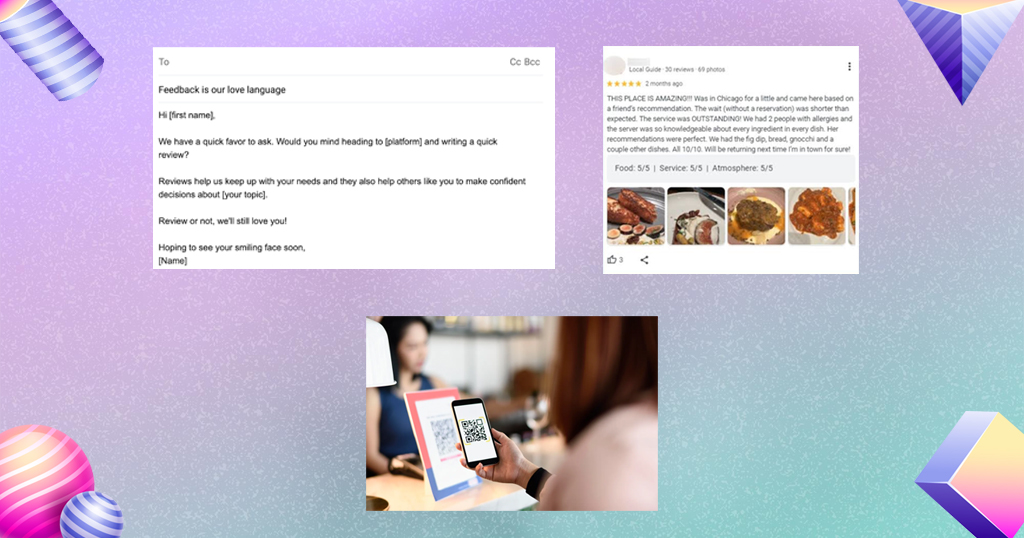
“Thank you so much! If you’re happy with everything, we’d really appreciate a Google review — it helps our small business a lot. Here’s a QR code on the receipt that takes you straight there.”
Script 14 — After a meal (restaurant):
“I’m so glad you enjoyed your meal! If you have a moment, a Google review means the world to us — there’s a QR code on the bill that takes you straight there. Thank you for coming in!”
Script 15 — At the counter with a QR code display:
“Did everything go well today? We’d love to hear from you — just scan this QR code, and it takes you straight to our Google review page. Takes less than a minute!”
Script 16 — For a first-time customer:
“Welcome — we hope it’s your first visit of many! If you enjoyed your experience, a quick Google review helps us reach more customers like you. Here’s a card with our review link.”
Review Request Scripts for Specific Situations
Script 17 — After a positive comment in person:
“I’m so glad you said that! Would you mind sharing that on Google? It would really help us — here’s the link: [your review link].”
Script 18 — Responding to a 5-star rating with no text (prompt for a written review):
“Hi [Name]! Thank you so much for the 5-star rating 🙏 If you have a moment, even a line or two about your experience would help future customers and mean a lot to our team: [your review link].”
Script 19 — For a customer who tagged you on Instagram:
“Hi [Name]! Thank you so much for sharing your experience — we loved seeing it! If you haven’t already, a Google review would be incredibly helpful for our business: [your review link] 🌟”
Script 20 — For a long-time loyal customer you haven’t asked before:
“Hi [Name], I realised we’ve never actually asked you for a Google review — and as one of our most valued customers, your experience would carry so much weight. If you’re happy to share it, here’s the link: [your review link]. Absolutely no pressure, but it would mean a great deal to us.”
What NOT to Say When Asking for Reviews
Avoid these common mistakes that either violate platform policies or reduce response rates:
- ❌ “Please leave us a 5-star review” — Asking for a specific rating violates Google’s review policies and can get reviews removed or your listing penalised.
- ❌ “We’ll give you a discount if you leave a review” — Incentivising reviews is against Google’s terms and can result in listing suspension.
- ❌ “Only leave a review if your experience was good” — Filtering for positive reviews is a form of review gating, also against Google’s policies.
- ❌ Asking a group of people at once — Sending a bulk review request to a group WhatsApp or broadcast list without a personal touch reads as spammy and converts poorly.
- ❌ Asking too late — A review request sent a week after the visit rarely converts. Catch the customer within 24 hours of a positive interaction.
When reviews do come in — positive or negative — responding promptly is as important as collecting them. Our Google review response examples give you copy-paste replies for every situation.
Setting Up Your Direct Google Review Link
Every script above references “your review link” — this is the direct URL that takes customers straight to your Google review box without having to search for your business. Here’s how to get it:
- Search your business name on Google
- Find the “Ask for reviews” button on your Business Profile panel (or find it inside Google Business Profile Manager)
- Copy the generated link
- Shorten it (using Bitly or a similar tool) if you’re sharing it via SMS where character count matters
Save this link somewhere accessible — your phone notes, your team’s shared drive, your WhatsApp broadcast template — so anyone on your team can use it instantly.
For managing review requests, responses, and listings across multiple locations without jumping between platforms, Storefries’ review management tools handle the entire workflow from one dashboard.
Building a Review Request System That Runs Automatically
Individual scripts are useful, but a system is what actually moves your review count month over month. Here’s the simplest version that works:
- Create your direct review link and save it somewhere your whole team can access
- Design a QR code from the link (free at QR Code Generator) and print it on receipts, table cards, and your counter
- Save 2–3 WhatsApp templates (one for first-time customers, one for regulars, one follow-up) in your phone notes or WhatsApp quick replies
- Brief your team — everyone who interacts with customers should know the in-person ask and have the QR code accessible
- Set a weekly reminder to send follow-up WhatsApp messages to customers from the past 7 days who haven’t left a review
This system takes about an hour to set up and produces a consistent trickle of new reviews with minimal ongoing effort. Pair it with a local SEO strategy and your improved review volume will start showing up in your Google Maps ranking within 2–3 months.
The Bottom Line
The businesses with the most Google reviews aren’t necessarily doing anything more impressive than yours — they’ve just built a habit of asking. Pick two or three of the scripts above that fit your channel and tone, set up your direct review link and QR code, brief your team on the in-person ask, and make it part of your everyday routine.
Start this week, check your review count in 30 days, and you’ll see the difference.
Storefries makes the ongoing work manageable — review monitoring and response, Google Business Profile management, and social media scheduling all from one dashboard. Check our pricing plans or browse more guides on the Storefries blog.
Quick FAQ: How to Ask Customers for Reviews
1. Is it okay to ask customers for Google reviews?
Yes, asking customers to share their honest experience is perfectly acceptable and encouraged. What you can’t do is ask specifically for positive reviews, offer incentives, or filter out unhappy customers before asking.
2. When is the best time to ask for a review?
Right after a positive interaction at checkout, at the end of a meal, immediately after delivery, or within 24 hours via WhatsApp or SMS follow-up. The sooner after a good experience, the higher the conversion rate.
3. Which channel works best for review requests in India?
WhatsApp consistently outperforms email and SMS for review requests in India, given its near-universal adoption and high open rates. In-person asking with a QR code is the second most effective, particularly for restaurants and walk-in retail.
4. How many times should I follow up if a customer doesn’t respond?
Once. A single follow-up message 2–3 days after the initial request is acceptable. More than that feels pushy and can damage the customer relationship.
5. What if a customer leaves a negative review after I asked?
Respond professionally and quickly — never defensively. A well-handled negative review can actually increase trust with future customers more than a wall of five-star ratings with no negative context. See our Google review management guide for response templates.




Leave A Comment